Nodi
Video Editor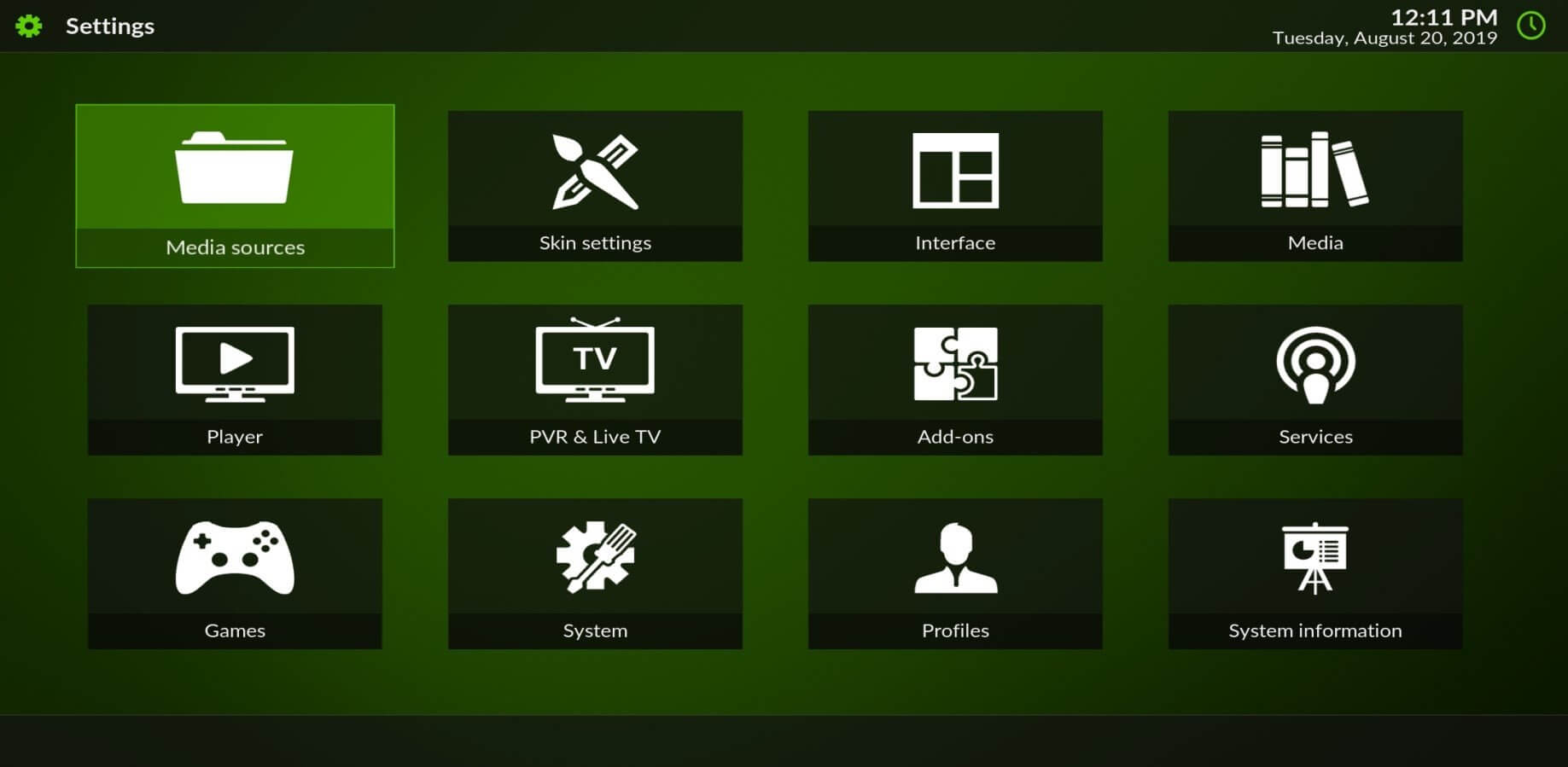
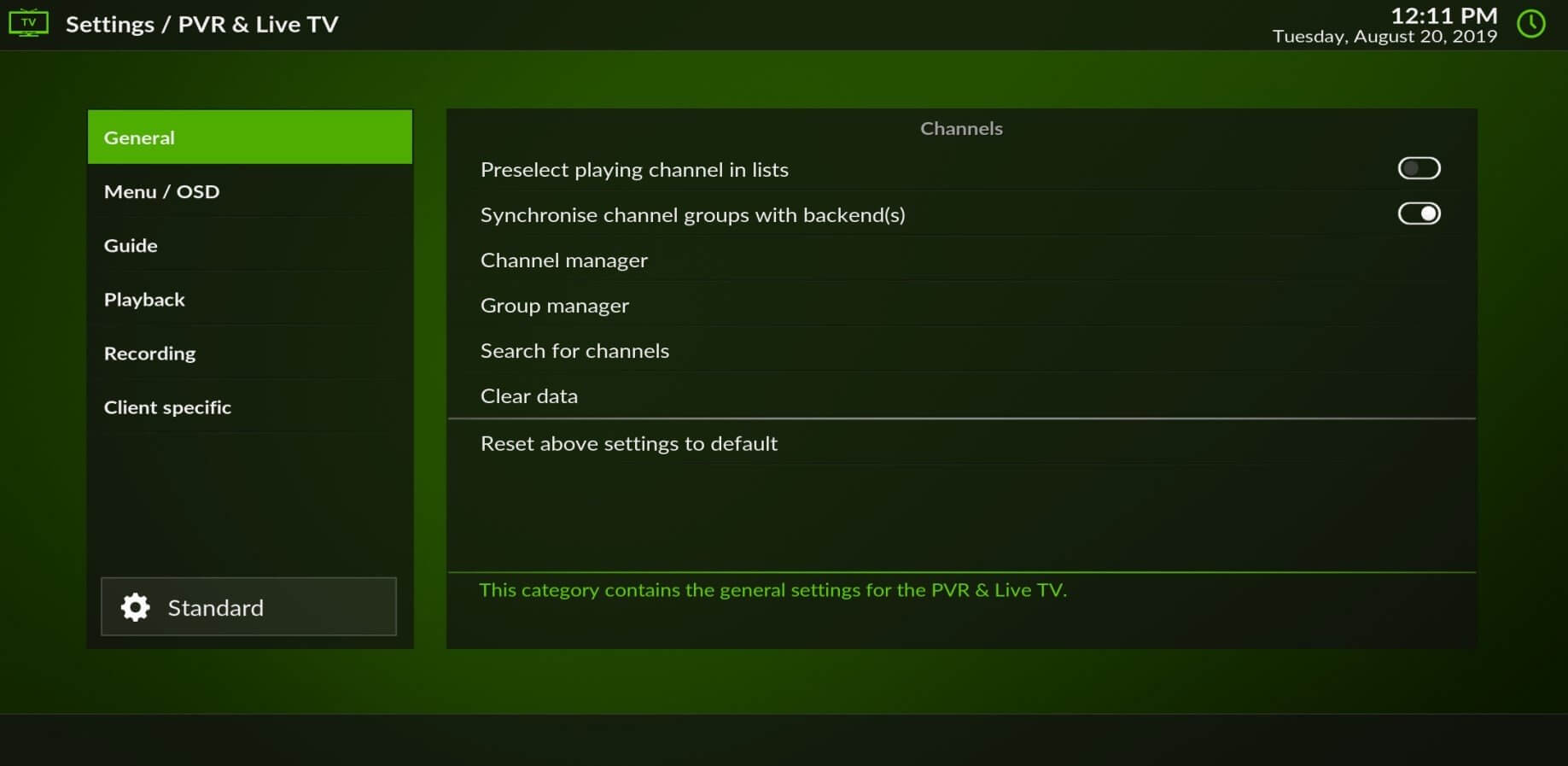
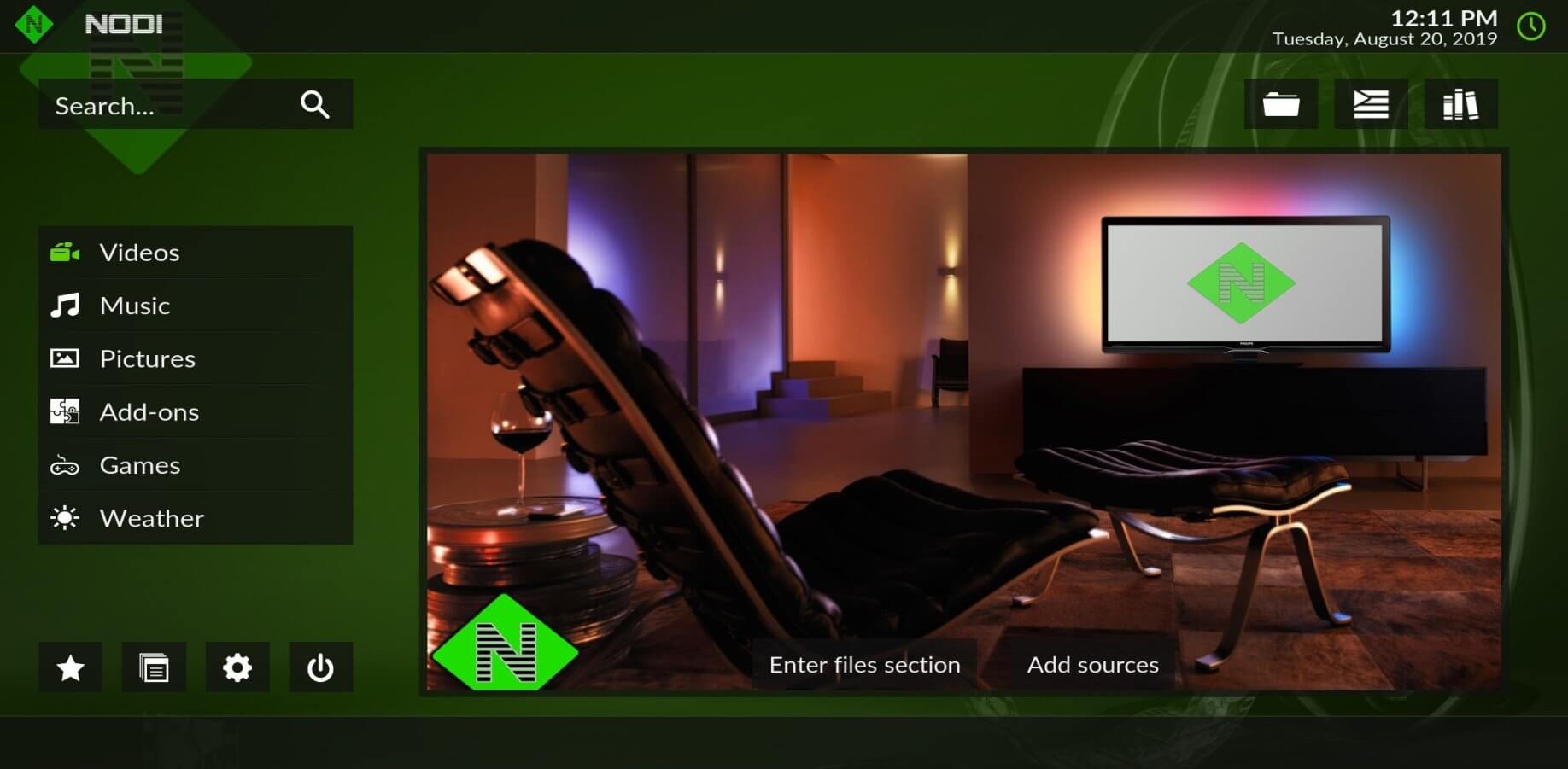
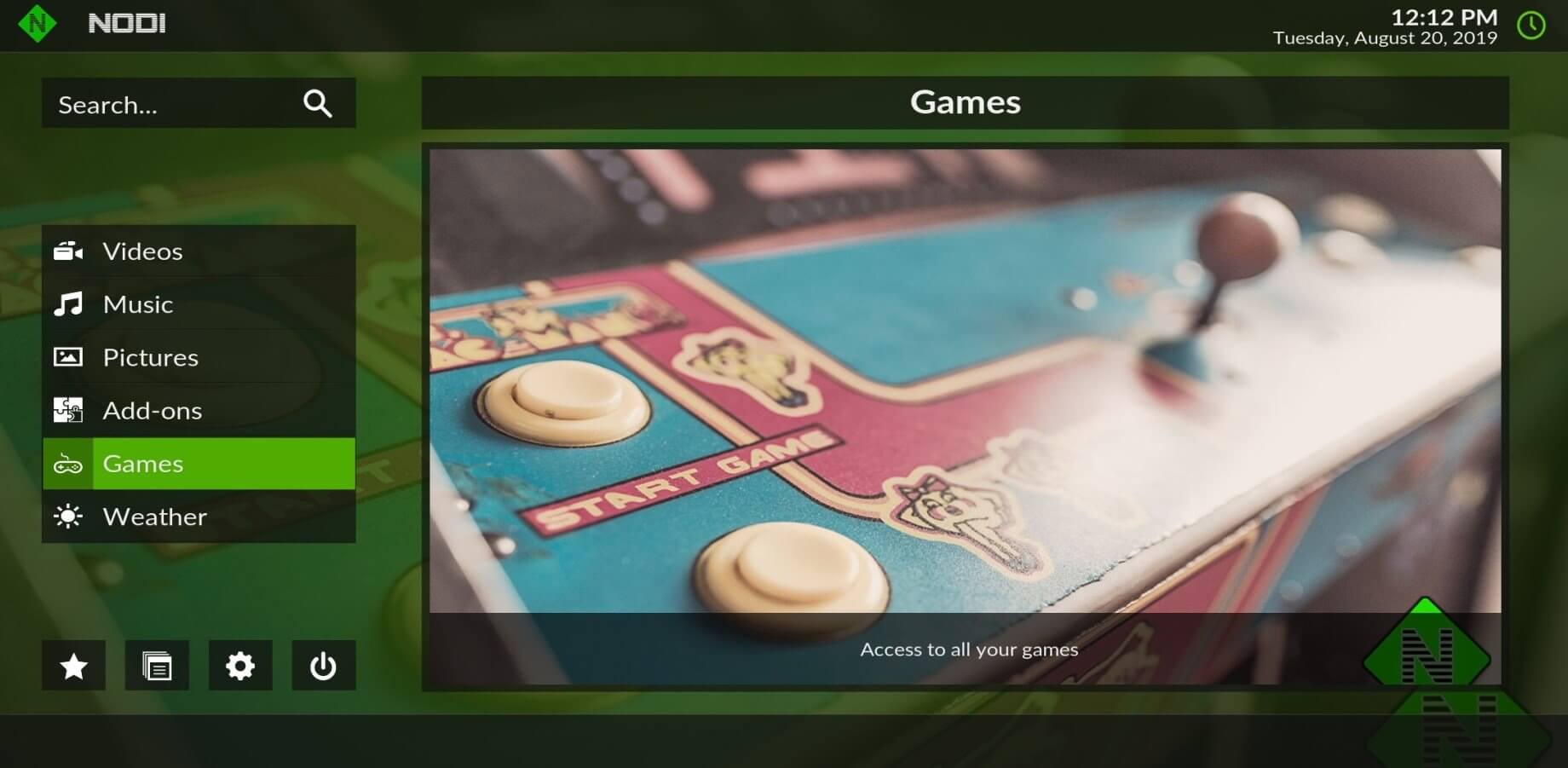
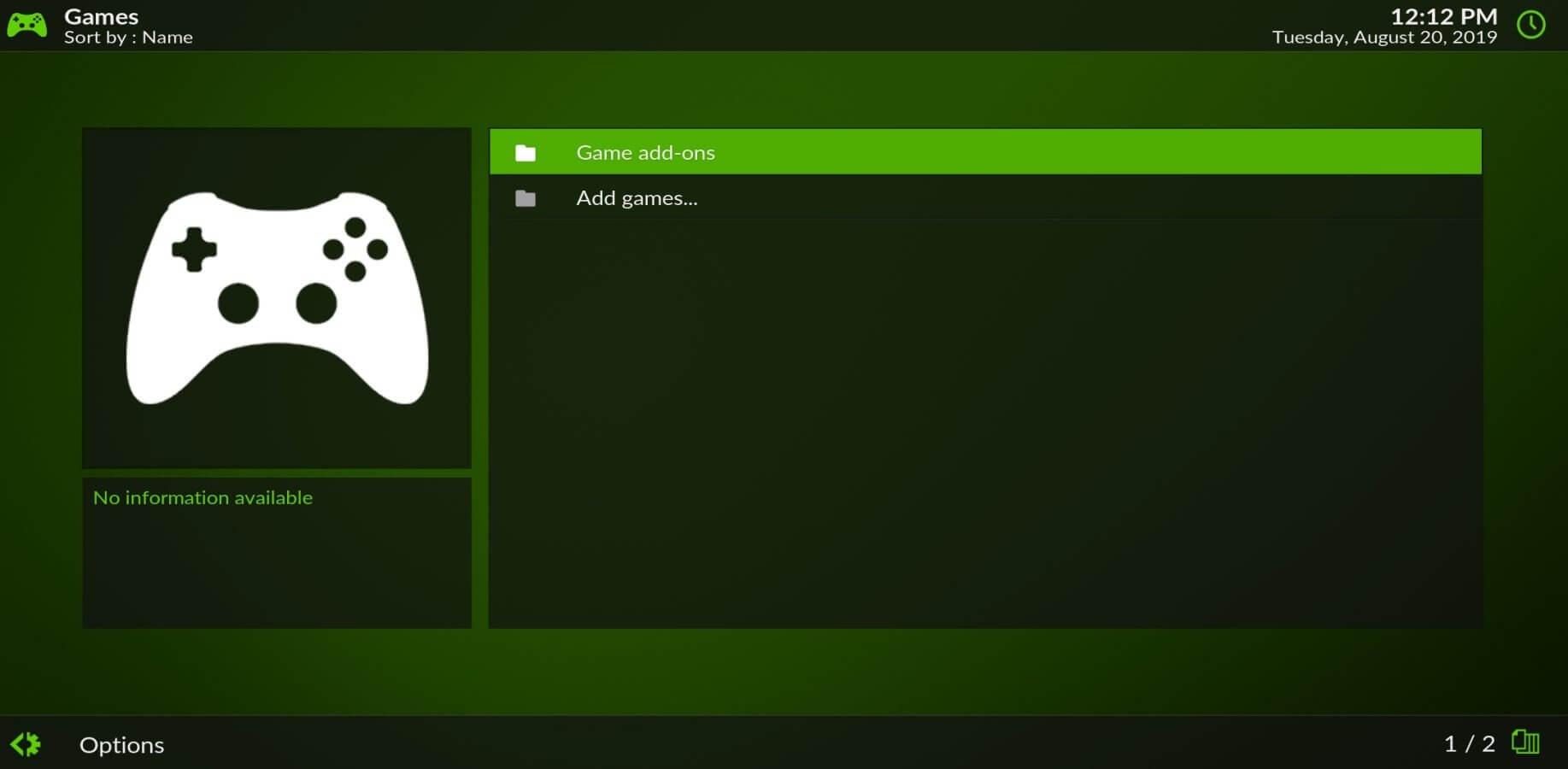

Nodi is an Android‑focused clone of the popular Kodi media center. It brings the same library‑organising and streaming capabilities to your phone or tablet, letting you browse local files, network shares, and online sources from a single interface.
This page provides the latest Nodi version (19.1.2), a quick‑look table, installation steps, and practical tips to keep the app running smoothly on your device.
Quick Information
| App/Game Name | Nodi |
| Latest Version | 19.1.2 |
| Developer | Not listed |
| Category | Apps / Video Editor |
| App Size | 73.3 MB |
| Package Name | org.fork.nodi |
| Last Updated | 1 September 2023 |
What Is Nodi?
Nodi replicates Kodi’s open‑source home‑theater experience on Android. It supports a wide range of video, audio, and image formats, offers customizable skins, and can integrate with add‑ons for extra functionality such as streaming services or metadata fetching.
The app is aimed at users who want a full‑featured media player without the overhead of a desktop or TV box. Because it is a third‑party clone, some advanced Kodi plug‑ins may not work perfectly, and official Kodi updates are not automatically reflected in Nodi.
Compatibility
| Android Version | Not Verified |
| Architecture (ARM64 / 32-bit) | Not Verified |
| Internet Connection | ✓ Verified — May be required for ads, updates, or login |
| Storage Needed | Not Verified |
| OBB/Data Files | Not Verified |
| Root Required | Not Verified |
How to Install
- Enable Install unknown apps for the browser or file manager you’ll use (Settings → Apps → Special app access → Install unknown apps).
- Download the Nodi APK file to your device.
- Locate the downloaded file in the notification shade or via a file manager.
- Tap the file and follow the on‑screen prompts to install.
- Once installed, open Nodi and grant any requested permissions (storage, network) so it can access your media.
Troubleshooting
- App not installed – Verify that the APK is complete and not corrupted. Re‑download if the file size looks wrong.
- Crashes on startup – Clear the app cache (Settings → Apps → Nodi → Storage → Clear cache) and ensure your Android version meets the minimum requirement (Android 5.0+ is typical for similar players).
- Media not showing – Make sure the app has permission to read storage and that your media files are stored in a folder accessible to the app.
- Add‑on or streaming issues – Since Nodi is a clone, some Kodi add‑ons may be incompatible. Try using native Nodi extensions or stick to basic file playback.
Safety & Security
Because Nodi is a third‑party build, download it only from a trusted source. After installation, review the permissions it requests; a media player typically needs access to storage and network. Avoid entering sensitive account information unless you are certain the app’s source is reputable. Keep in mind that future updates to the official Kodi project will not automatically update Nodi, so you may need to reinstall newer Nodi builds manually.
How Nodi Compares
| Feature | Nodi | Kodi | Plex | VLC |
|---|---|---|---|---|
| Price / Free model | Free | Free | Free tier + subscription | Free |
| Platform availability | Android only | Windows, macOS, Linux, Android, iOS, TV | Android, iOS, Windows, macOS, TV | Android, iOS, Windows, macOS, Linux, TV |
| Standout feature | Kodi‑style UI on mobile | Extensive add‑on ecosystem | Media server & sync across devices | Broad codec support, no add‑ons needed |
| Best for | Android users who like Kodi’s layout | Power users who want full Kodi flexibility | Families wanting easy streaming & library sync | Anyone needing a simple, reliable player |
Alternatives
- Kodi – The original open‑source media center, available on many platforms and supporting a massive add‑on library.
- Plex – A media server solution that streams your collection to any device, with a polished UI and optional premium features.
- VLC for Android – A lightweight player that handles virtually any video or audio format without extra plugins.
- MX Player – Popular Android video player with hardware acceleration and subtitle support.
Final Verdict
Nodi offers a familiar Kodi experience for Android users who prefer a mobile‑first interface. It’s free and lightweight, but being a third‑party clone means some Kodi add‑ons may not work and updates rely on manual downloads. If you need cross‑platform support or the full Kodi add‑on ecosystem, the official Kodi app is preferable. For straightforward playback without extra features, VLC or MX Player are solid alternatives.
Frequently Asked Questions
Download Nodi only from a reputable source, review the permissions it asks for, and avoid entering personal login details unless you trust the source.
Nodi works on Android 5.0 (Lollipop) and newer, which covers the majority of modern devices.
No, Nodi runs as a regular app and does not require root privileges.
Updates are not automatic; you need to download and install newer APK versions manually when they become available.
Yes, Nodi can display external subtitle files (such as .srt) when they are placed in the same folder as the video.
The error often means the APK is incomplete, corrupted, or your device blocks installations from unknown sources. Re‑download the file and ensure unknown‑sources permission is enabled.
Some Kodi add‑ons may work, but because Nodi is a clone, compatibility is not guaranteed for all extensions.
No, Nodi is offered as a free application without a paid tier.